Every session deserves a URL.
Bring your CLI agent’s sessions into a readable web view. Find the issue, follow the evidence, and share it with a colleague as an end-to-end encrypted link, within seconds.
curl -fsSL https://session.link/install.sh | shWorks with your favorite agent harness.







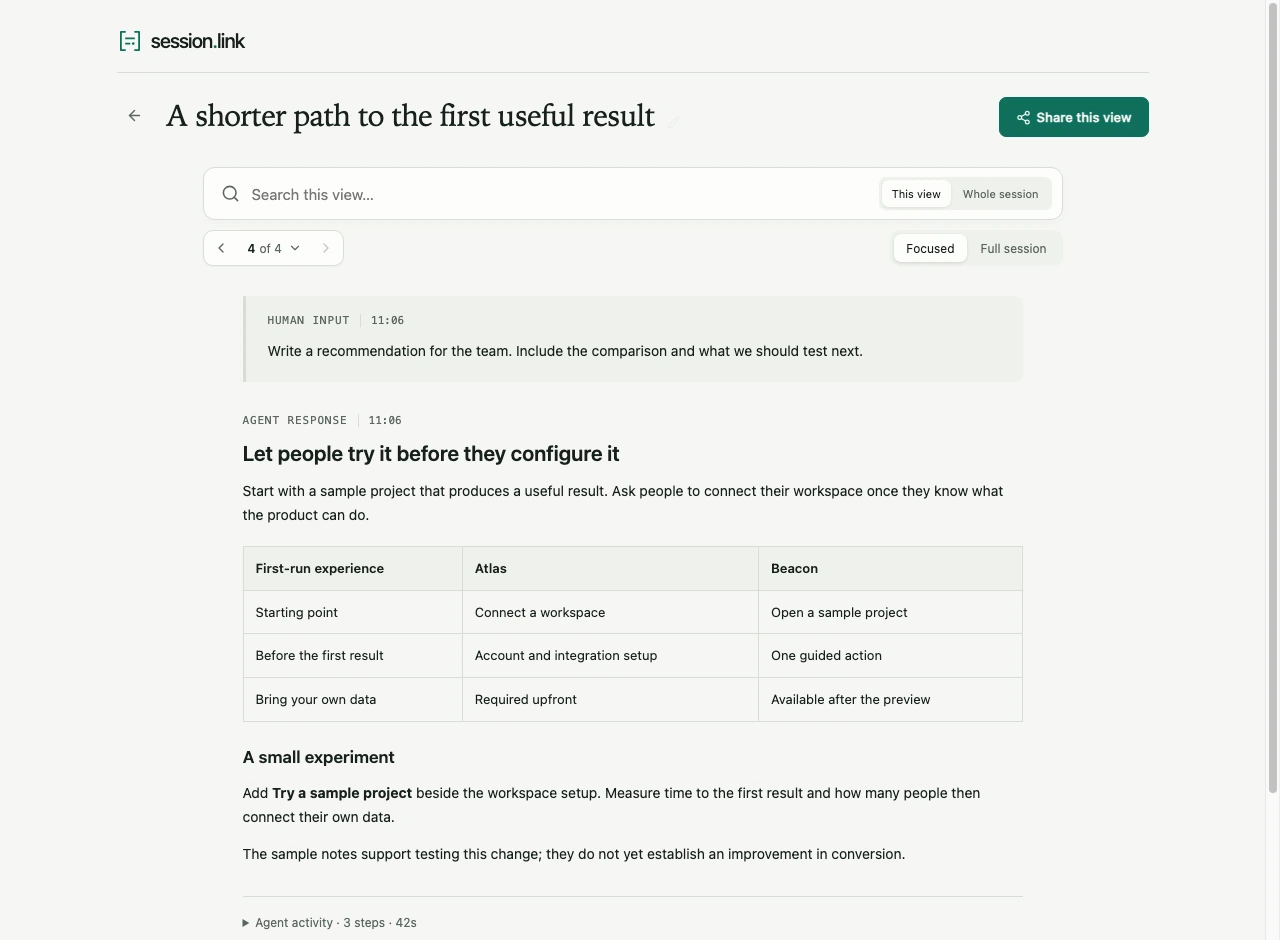
Open the live example, a fictional session rendered by the real viewer.
How it works
From your terminal to a link a colleague can read, in three commands.
Ready whenever you need it.
curl -fsSL https://session.link/install.sh | shRun it in your project. Pick a session and start reading.
slink view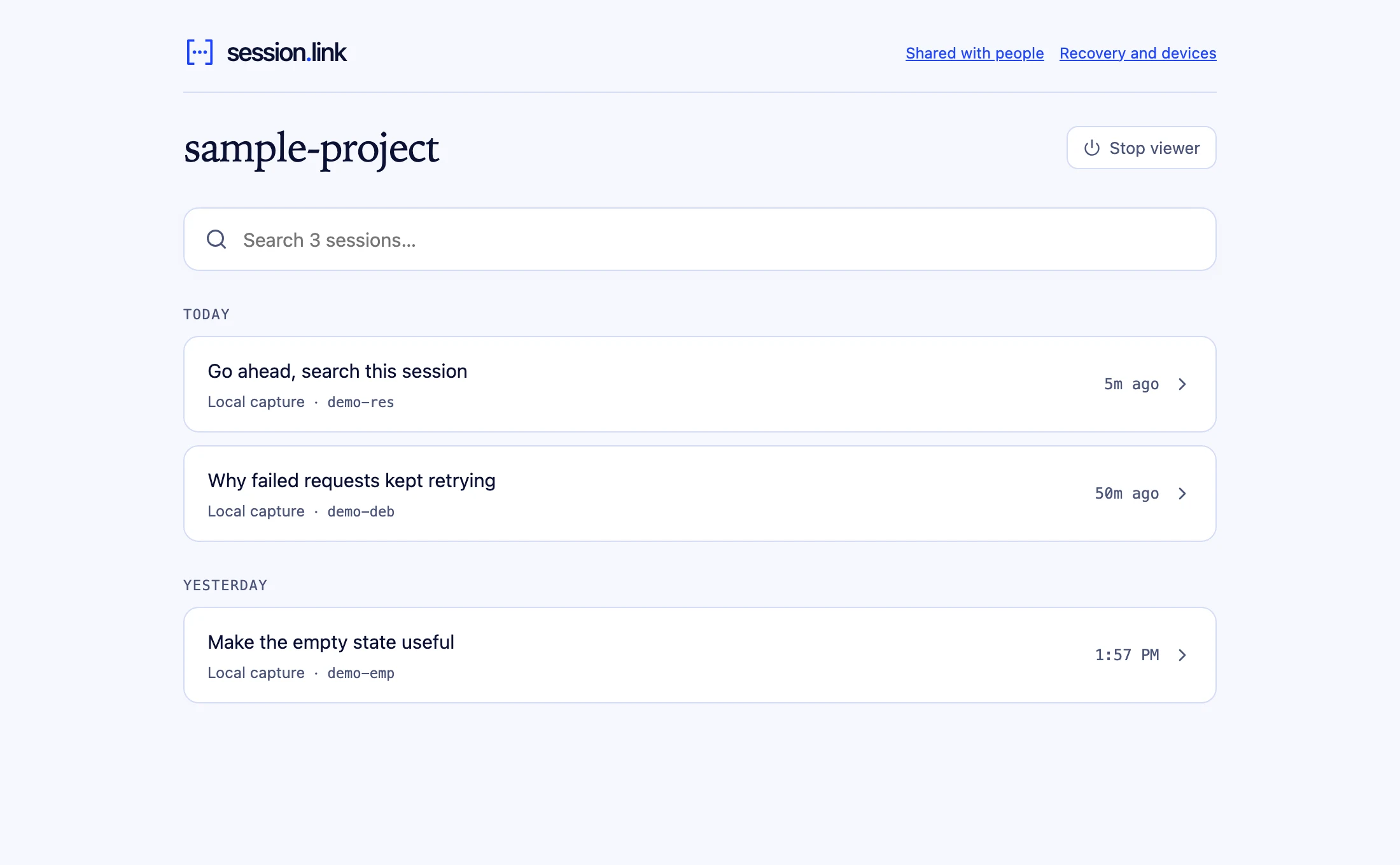
Choose a session, confirm, and get an encrypted link for your colleague.
slink share --pickYour session.
You’re always in control.
Every share is encrypted on your machine. The key travels in the link, never to the server.
What session.link stores
Ciphertext. Each share is sealed on your machine with its own AES-256-GCM key before upload.
What the link unlocks
Readable, for whoever holds the link. The key rides in the # fragment, which browsers never send to the server.
Rather name your readers? Named shares open only for the verified emails you invite.
Local until you publish
Opening and preparing a view keeps the material on your machine. Publishing is an explicit action, and slink delete takes a link offline again.
Review what travels
A shared view holds only what you include, plus your note. Exports are checked for common credential formats before upload. It is a safety net, so still review sensitive content yourself.
Yours to keep
The CLI, viewer, and session format are open source. Your captures stay on disk, readable with or without the hosted service.